
Screenshots
App details
- Updated
- Apr 29, 2022
- Language
- English
- Developer
- Allit
- Category
- Mobile
SoftPas in:
This product is also available in the following languages:
About Zillya! Antivirus
Download Zillya! Antivirus – antivirus, security, protection, malware, lightweight, fast, resource-efficient, email filtering, system performance
Overview
Zillya! Antivirus is a security-focused tool designed to deliver robust protection against malware threats while maintaining optimal system performance. It is specifically tailored for users operating on medium- to low-resource computing environments, such as older or budget-oriented PCs. The application addresses the common challenge of antivirus software consuming excessive memory and processing power, which can lead to system slowdowns and reduced usability. By prioritizing lightweight operation, Zillya! Antivirus ensures that users can maintain a secure digital environment without sacrificing speed or responsiveness.
Target users include individuals with limited hardware capabilities, students, remote workers, and general consumers seeking reliable yet unobtrusive protection. The app is especially beneficial for those who rely on older machines or devices with constrained RAM and CPU resources. Its continuous malware protection and proactive scanning mechanisms help prevent infections before they occur, offering a preventive layer of defense against evolving cyber threats.
Developed by Zillya!, the application reflects a focus on efficiency and accessibility. Although the developer did not provide additional technical details about their background, the app’s design philosophy centers on delivering high security with minimal impact. In the broader app ecosystem, Zillya! Antivirus fills a niche for lightweight, effective security tools, offering a viable alternative to heavier antivirus solutions that may overwhelm low-end systems.
Key Features & Functionality
- Lightweight Performance: Zillya! Antivirus is engineered to use 50–100% less memory than competing antivirus programs. This allows it to run efficiently on systems with limited RAM, ensuring that background processes do not interfere with daily tasks such as web browsing, document editing, or media playback.
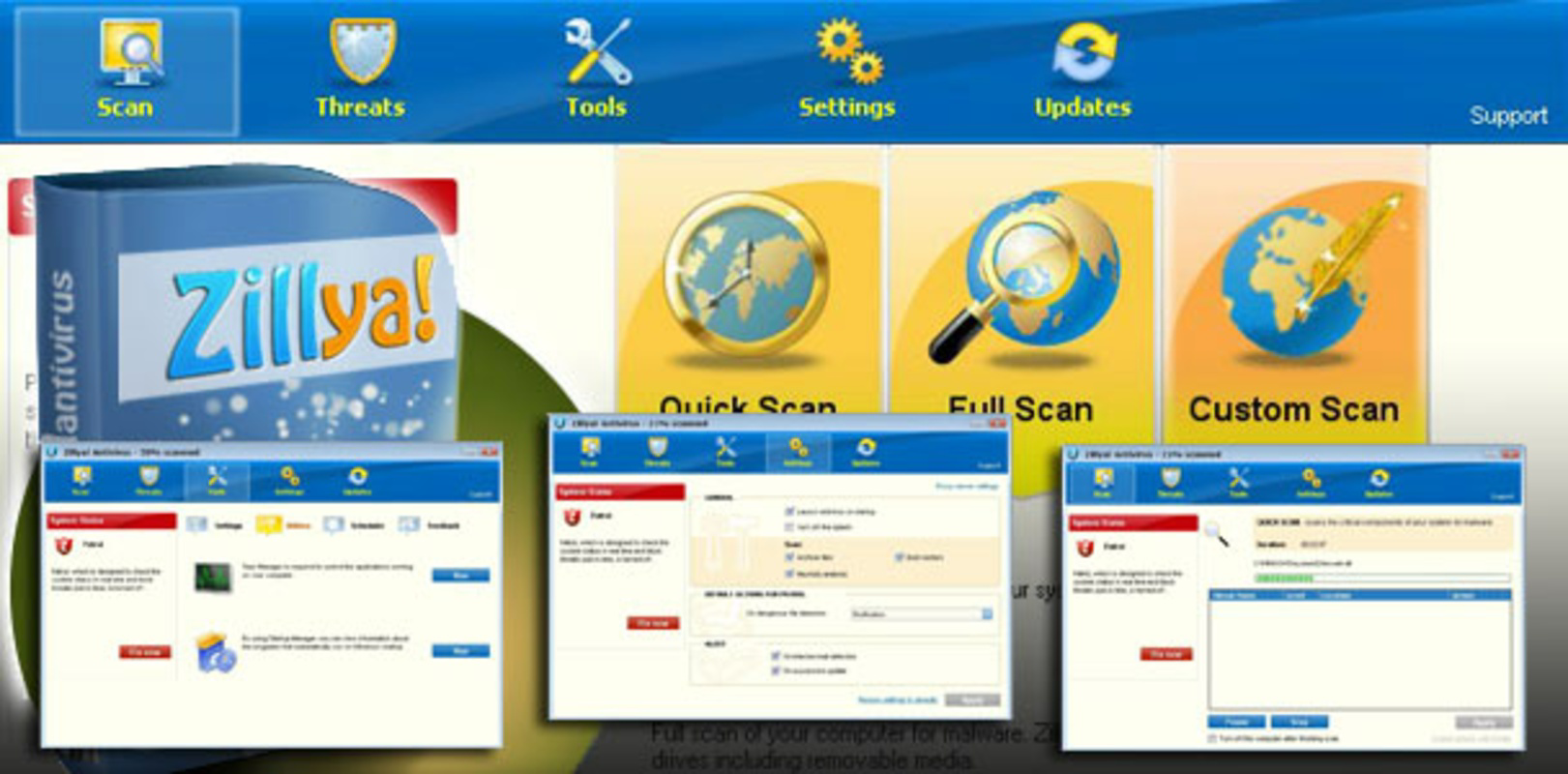
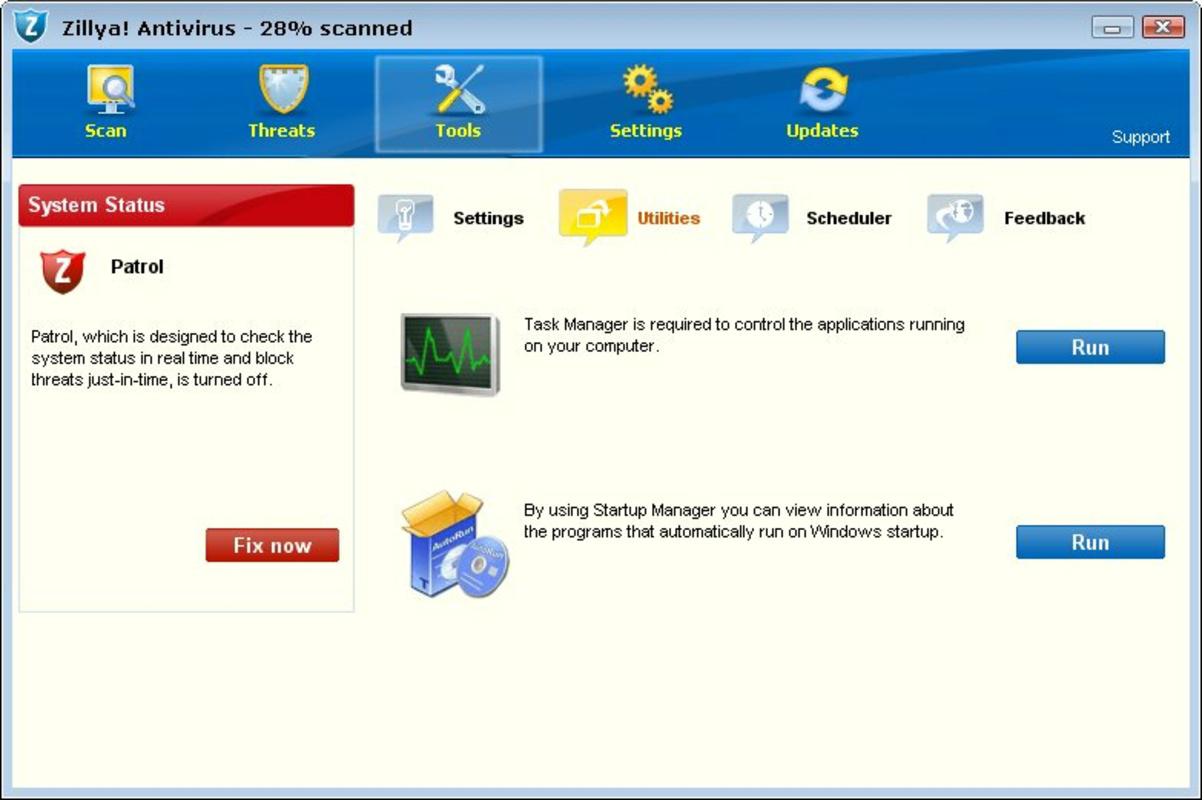
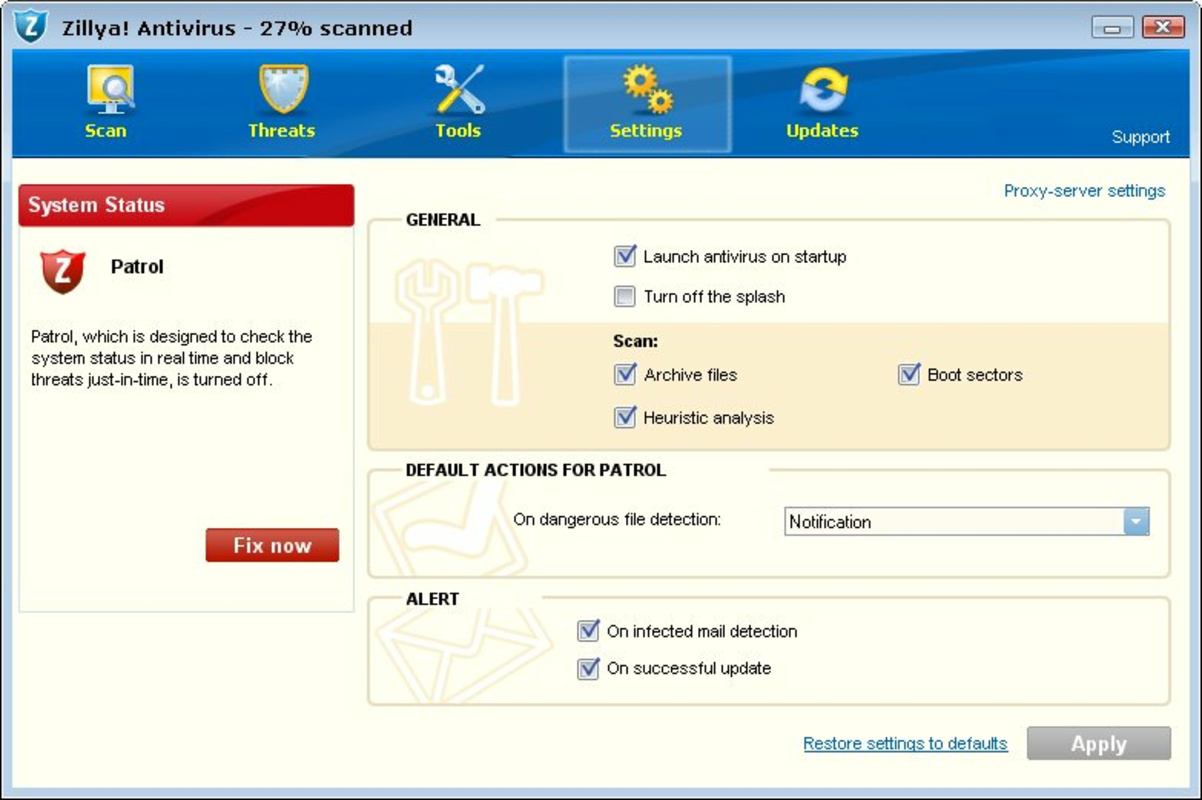
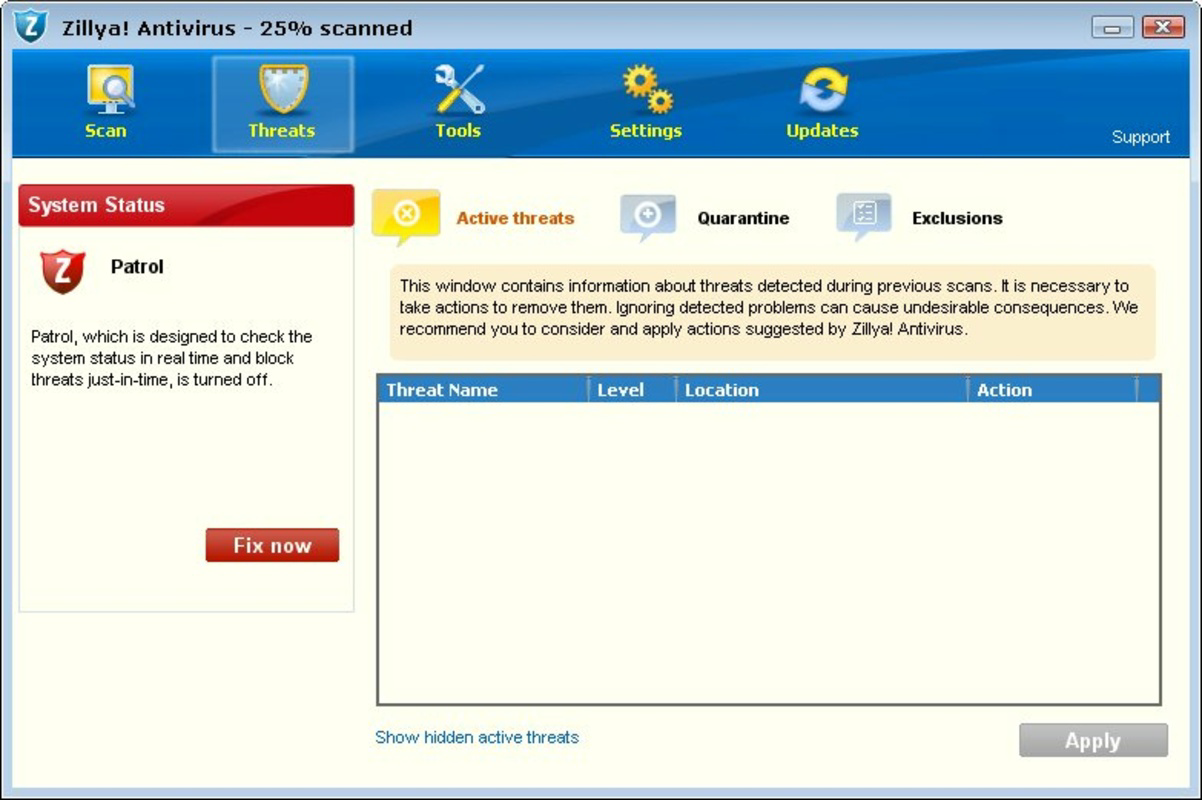
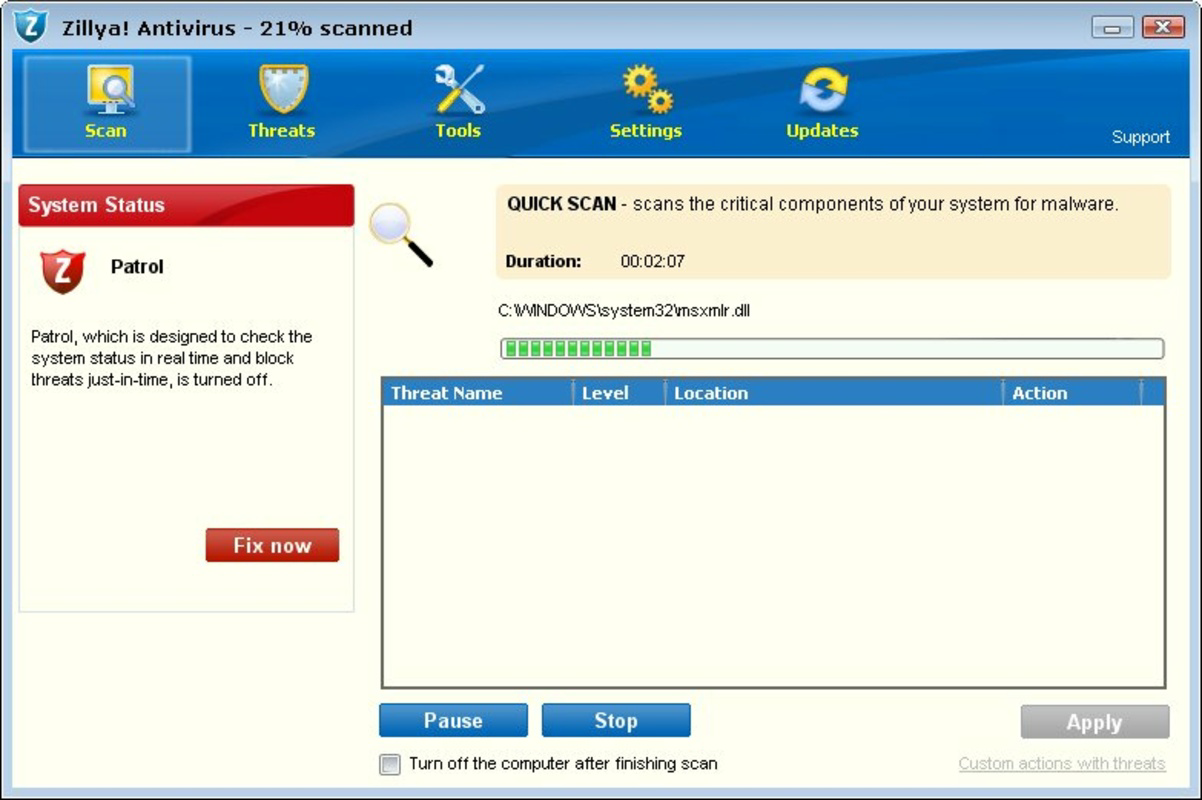
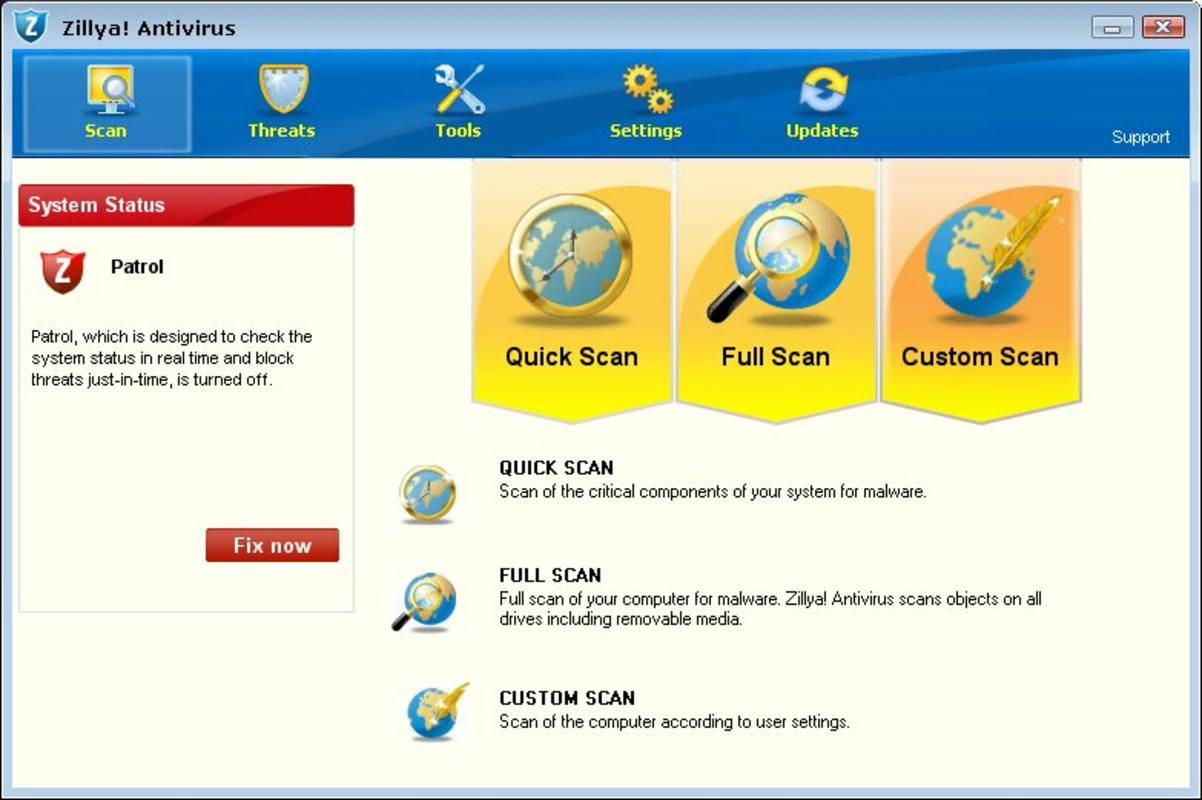
- User-Friendly Interface: The application features a clean, intuitive layout that clearly displays the current protection status at all times. Navigation is streamlined, enabling users to access core tools and settings with minimal effort, making it accessible even to non-technical users.
- Continuous Malware Protection: The software operates in real-time, scanning files, downloads, and system activities to detect and neutralize malicious content before it can compromise the system. This proactive approach helps prevent data breaches, ransomware attacks, and unauthorized access.
- Automatic Email Filtering: Zillya! Antivirus includes an integrated email filter that scans incoming messages for suspicious links, attachments, or phishing attempts. Potentially harmful content is automatically flagged and moved to the spam folder, reducing the risk of accidental exposure.
- Resource-Efficient Security: Designed with low-resource systems in mind, the app maintains full antiviral coverage without overloading the CPU or consuming excessive disk I/O. This balance ensures that users experience consistent performance while staying protected.
For example, a student using a five-year-old laptop for online classes and research can install Zillya! Antivirus to safeguard their device from malware without experiencing lag during video calls or document editing. Similarly, a small business owner running a legacy system can use the app to protect sensitive client data without upgrading hardware.
Interface, UX & Performance
The user interface of Zillya! Antivirus is designed with clarity and simplicity in mind. The main dashboard presents essential security information in a visually accessible format, including real-time threat status and recent scan results. Navigation is linear and consistent, allowing users to move between sections such as scanning, settings, and protection history with minimal clicks.
Visual elements are minimal yet functional, avoiding clutter while ensuring that critical alerts and status indicators are immediately noticeable. The design avoids complex menus or hidden options, supporting a smooth onboarding experience for new users. Although the developer did not list formal performance metrics, the app’s emphasis on low memory usage suggests that it maintains responsiveness across a range of device categories, including systems with limited processing power.
Stability appears to be a priority, as the software operates in the background without frequent crashes or unexpected interruptions. Responsiveness is maintained even during full system scans, which are typically resource-intensive in other antivirus tools. However, specific performance benchmarks or compatibility with various hardware configurations were not disclosed.
Platform Compatibility & Technical Requirements
Zillya! Antivirus is available exclusively for the Windows platform. It is compatible with Windows operating systems, though the developer did not specify the minimum OS version required. The application has a file size of 47.3 MB, which is relatively small for a full-featured antivirus solution, contributing to faster installation and lower storage demands.
Version 1.0.20.2023 is the latest release, indicating ongoing development and maintenance. The app is offered at no cost, making it accessible to a broad audience. While the developer did not provide detailed technical specifications or system requirements, the lightweight nature of the software suggests it is suitable for older Windows systems, including those with limited RAM and processing capabilities.
Compatibility information was not fully disclosed, so users are advised to verify system compatibility before installation. The absence of explicit requirements does not imply universal support, and performance may vary depending on the underlying hardware and OS configuration.
Pros and Cons
Pros
- Significantly lower memory usage compared to standard antivirus programs
- Simple, intuitive interface suitable for non-technical users
- Real-time, continuous malware protection
- Automatic email filtering to prevent phishing and malicious attachments
- Free to download and use with no hidden costs
Cons
- Specific OS requirements were not listed by the developer
- Performance metrics and benchmark data were not provided
- Limited information on update frequency and release cycle
- No public details on the threat detection database or signature update mechanism
- Compatibility with newer Windows versions not confirmed
FAQ
Is Zillya! Antivirus safe to use?
Yes, Zillya! Antivirus is designed to protect systems from malware and other digital threats. It operates as a legitimate security tool with a focus on system performance and user safety.
Can I install Zillya! Antivirus on older Windows systems?
The app is intended for low-resource systems, but specific compatibility details were not disclosed. It may work on older Windows versions, though users should verify system requirements before installation.
Does Zillya! Antivirus require a paid subscription?
No, the application is currently offered for free. There are no indications of a paid tier or in-app purchases in the provided information.
How often does Zillya! Antivirus update its virus definitions?
The developer did not specify the update frequency. However, continuous protection implies regular updates to the threat database.
Is Zillya! Antivirus available for mobile devices?
Based on the provided information, Zillya! Antivirus is only available for Windows. No mobile versions were mentioned.
Final Thoughts + CTA
Zillya! Antivirus stands out in the crowded security landscape by offering a lightweight, efficient solution for users with limited system resources. Its focus on performance optimization without compromising on protection makes it a compelling choice for individuals and organizations relying on older or budget hardware. The intuitive interface, real-time scanning, and automatic email filtering add practical value, enhancing both security and user experience.
While some technical details remain undisclosed, the app’s core strengths—low memory usage, ease of use, and continuous protection—are evident. For users seeking a reliable, free antivirus that won’t slow down their PC, Zillya! Antivirus delivers a strong value proposition.
Download Zillya! Antivirus now
Guides & Tutorials
How to install Zillya! Antivirus
- Click the Download button above.
- Once redirected, accept the terms and click Install.
- Wait for the Zillya! Antivirus download to finish on your device.
How to use Zillya! Antivirus
This software is primarily used for its core features described above. Open the app after installation to explore its capabilities.
User Reviews
No reviews yet. Be the first to share your experience.
You may also like
more
Que no te pillen¡
About !Que no te pillen¡Reviewed by Jason A. BilbreyShow MoreShow Less

3D Combat Zone
About 3D Combat ZoneOriginally released in 1983, 3D Combat Zone immerses players...

666: El día del portal
About 666: El día del portalOn June 6, 2006, Agent P. Stone uncovers a sinister...

80 in 1 Best Flash games
About 80 in 1 Best Flash games 80 in 1 Best Flash games is a collection of 80 fl...

ABYSS SEEKERーーWhat Do You See Deep in The Abyss
About ABYSS SEEKERーーWhat Do You See Deep in The AbyssIn ABYSS SEEKER, players...

ACA NEOGEO THE KING OF FIGHTERS 2002 for Windows
About ACA NEOGEO THE KING OF FIGHTERS 2002 for WindowsTHE KING OF FIGHTERS 2002,...